 Shyne — Summer launch




 L'estate, in movimento

Un prompt, ovunque. Premi ⌘K su qualsiasi frame e il tuo agente progetta accanto al cursore, in ogni formato.
Spazio di design con IAPer brand, team e per te.
Crea qualcosa che valga la pena condividere.
Il compagno creativo IA che genera contenuti. Use your Claude, Codex or any other AI agent in the desktop app, at no extra cost!
PresentazioniSocialVideoSiti
Creatività senza pari
Un unico canvas infinito per tutto ciò che il tuo brand crea. Presentazioni, documenti, social e video, progettati in tempo reale con un compagno di squadra AI e pronti da pubblicare.

Dal canvas alla pubblicazione. Progetta una volta, poi pianifica il mese. Instagram, LinkedIn, X e il web, ridimensionati e in linea con il brand per ogni canale.
Sempre in linea con il brand. Colori, caratteri e loghi vivono in un unico kit. Tutto ciò che crei tu o l’agente è inconfondibilmente tuo.
Il deck e il video vivono insieme. Anima qualsiasi cosa su una vera timeline, scorrila avanti e indietro ed esporta un MP4 renderizzato direttamente nel browser.
Il Canvas di Shyne
Un’unica superficie live sotto tutto ciò che crei. Frame, deck, filmati e documenti restano in sincronia per ogni persona e ogni agente, contemporaneamente. Clicca in giro: reagisce tutto.
July6 scheduled · 3 drafts · every channellive
MTWTFSS
Progetta qualsiasi cosa, condividila all'istante. Ogni frame diventa un link live che il tuo team — o il mondo intero — può aprire.
You can exportimages, video, audio, slides, documents, and imaginationFinished in your browser. Ready for every channel.
Tutto quello che ti serve per gestire il tuo brand:
Shyne is built for whole brands. One canvas carries the decks, the posts, the films, and the sites — your team and your agents shipping from the same surface.
Browse everything →Kit del brand
Imposta colori, font e loghi una volta sola. Tutto ciò che crei con l’AI resta inconfondibilmente tuo.
Prototipi interattivi
Trasforma i frame in prototipi cliccabili e presentabili, poi condividi un link che funziona ovunque.
Immagini e video con l’AI
Genera immagini e clip video direttamente sul canvas e inseriscili subito nel tuo lavoro.







Programmabile
Guida Shyne da Claude, ChatGPT, Cursor o dal tuo codice. Una superficie, ogni capacità.
Esportazione universale
PDF, PNG, MP4 e HTML, più PowerPoint e Google Slides. File puliti, nessun lock-in.
Porta la tua AI
Usa il tuo Claude, ChatGPT o Gemini, gratis. Oppure usa la nostra.
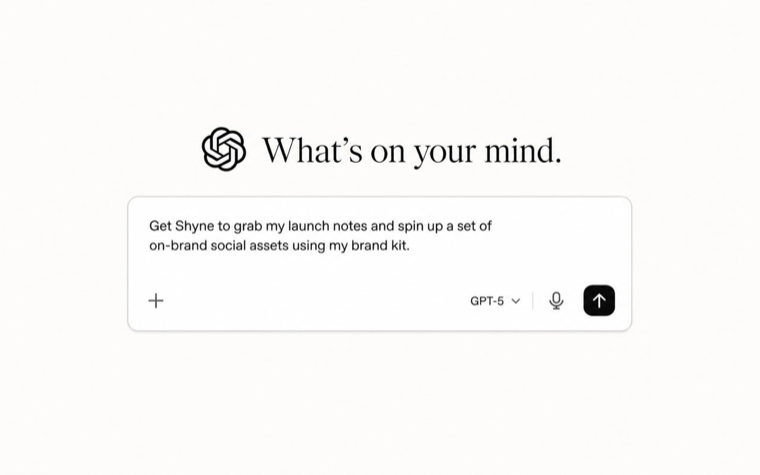
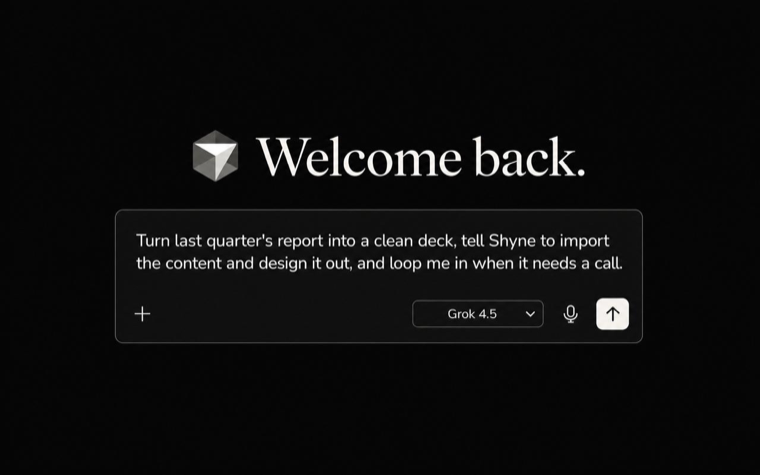
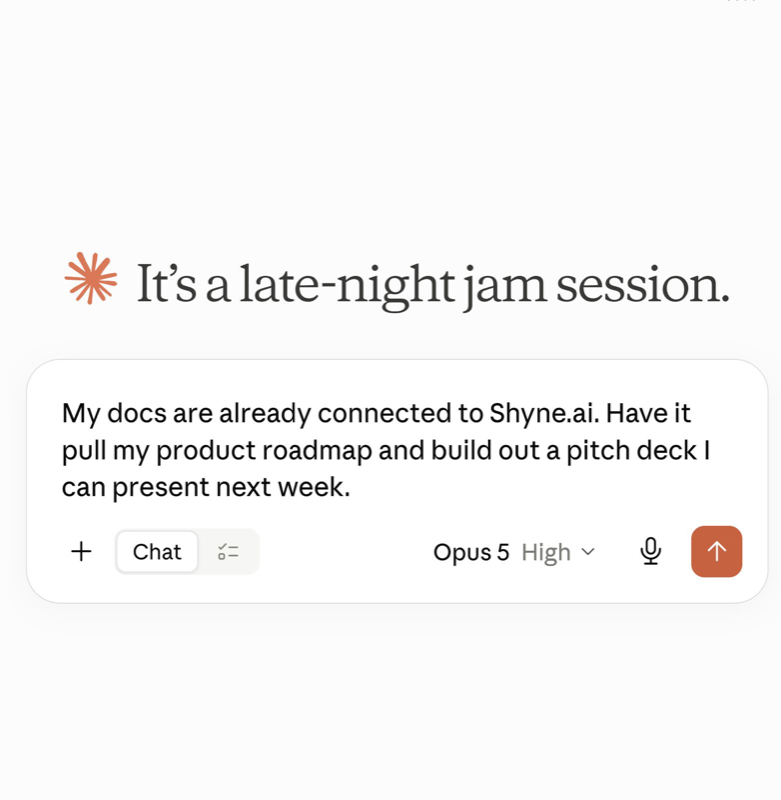
In sincronia con la tua AI.
In entrambe le direzioni.
Claude Code, ChatGPT, Gemini, Cursor, Grok — o il tuo codice. Ogni agente parla con Shyne via MCP: legge il canvas e ci scrive, dal vivo.
Your designs, in tabs
Every project opens in its own tab, side by side — flip from the deck to the film to the site without losing your place.
Open anything, directly
Shyne links open straight in the app — from your browser, your notes, a teammate's message. Recent projects wait one click away in the Dock.
Exports, even faster
Renders press on your machine, not in a browser tab. Watch progress on the Dock icon, get a notification when the file lands, then drag it straight into Finder.
Il tuo team e l’AI,
su un unico canvas live.
Guarda gli agenti progettare mentre modifichi al loro fianco. Cursori, presenza e ogni modifica in tempo reale. Un collaboratore, non una scatola nera che ti consegna un file. Prendi un frame qualsiasi e spostalo: questo canvas è anche tuo.
Web · Desktop · Dai creatori di NextDocs · Oltre 60.000 creator
Built for teams.
google.com
microsoft.com
salesforcesalesforce.com
disney.com
ibm.com
adidas.com
booking.com
pwc.com
mongodb.com
deloitte.com
bytedance.com
nestle.com
DATADOGdatadoghq.com
sap.com
telefonica.com
bcg.com
S&P Globalspglobal.com
emerson.com
roche.com
dell.com
Novo Nordisknovonordisk.com
cbre.com
KPMGkpmg.ie
mmm.com
Non sai se Shyne si adatta
al tuo modo di lavorare?
Chiedilo all’IA che usi già. Apriremo una domanda preparata con il contesto necessario per ricevere una risposta utile.